From Website to Workflow: Turning Logins Into AI-Powered Customer Experiences
Introduction
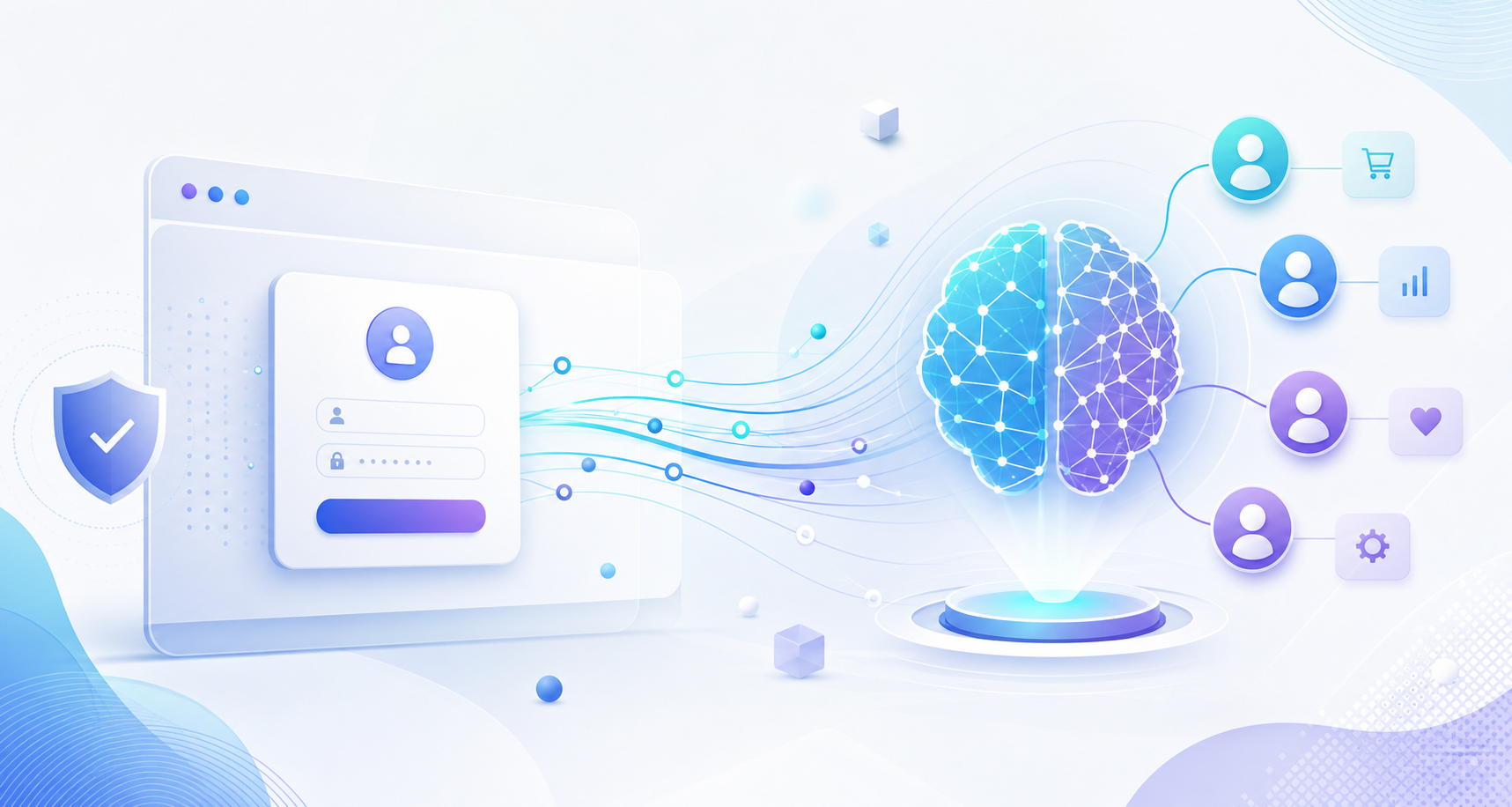
For many organizations, the login page is treated as a simple gateway: enter credentials, verify access, and move on. But in today’s digital-first environment, that narrow view leaves a lot of value on the table. A website login can be much more than an authentication step. It can become the entry point to a personalized, intelligent, and automated customer experience.
When businesses connect identity, data, and automation, they can turn static digital interactions into dynamic workflows. This shift is especially important for enterprise teams that want to improve customer satisfaction, reduce friction, and scale service without adding unnecessary operational overhead. AI-powered customer experience strategies make it possible to understand who the user is, what they need, and what action should happen next.
In this article, we’ll explore how to move from website to workflow, why AI is changing the role of logins, and how companies can build smarter customer journeys that feel seamless from the first sign-in onward.
Why the Login Experience Matters More Than Ever
A login is often the first meaningful touchpoint in a customer’s journey. For returning users, it signals that the business already knows something about them. For new users, it sets expectations for how easy, secure, and helpful the rest of the experience will be.
Too often, companies focus only on reducing password friction. While that matters, the bigger opportunity is to use login as a context-rich moment. At the point of authentication, the business can already know:
- The customer’s role or account type
- Their preferred language or region
- Previous interactions, purchases, or support tickets
- Relevant products, pages, or workflows they are likely to need
This context creates a foundation for personalization. Instead of sending every user to the same dashboard or generic homepage, businesses can guide them toward the most useful next step.
The cost of a generic experience
A one-size-fits-all login experience can create avoidable problems:
- Users waste time searching for the right resources
- Support teams receive repetitive questions
- High-value customers feel underserved
- Internal teams miss opportunities to automate routine tasks
When the experience after login feels disconnected from the user’s intent, engagement drops. AI can help bridge that gap by using data to make smarter decisions in real time.
From Website to Workflow: What It Really Means
“From website to workflow” is more than a design concept. It’s a shift in how digital properties operate. Instead of thinking of the website as a static destination, businesses can treat it as a living system that initiates action.
A workflow is any sequence of steps that helps a user accomplish a goal. That might include:
- Updating account information
- Reordering a product
- Submitting a support request
- Accessing personalized content
- Requesting a quote or demo
- Managing permissions or approvals
When login triggers a workflow, the website becomes an intelligent gateway. The platform can recognize user intent, present relevant options, and automate the next best action. This is where enterprise AI solutions create real business value.
Examples of workflow-driven experiences
Consider a few practical scenarios:
- A B2B customer logs in and immediately sees pending invoices, contract renewal reminders, and a one-click support escalation option.
- A healthcare provider logs in and is routed to the most relevant patient documentation based on role and department.
- A publishing partner logs in and sees editorial approvals, content deadlines, and submission workflows tailored to their permissions.
- A no-code platform user logs in and is offered recommended templates, recent projects, and guided automation suggestions.
In each case, the login is not just access control. It is a decision point that moves the user toward a meaningful outcome.
How AI Powers Personalized Customer Journeys
Artificial intelligence makes workflow-based customer experiences possible at scale. It can analyze patterns, identify user intent, and recommend actions based on data that would be difficult for humans to process manually in real time.
1. Identity-aware personalization
Once a user signs in, AI can combine profile data, behavior, location, and historical interaction data to personalize the interface. This might include:
- Showing the most relevant dashboard widgets
- Reordering navigation based on prior usage
- Highlighting tasks with the highest urgency
- Recommending content or services based on account type
This kind of personalization reduces cognitive load and helps users get to value faster.
2. Predictive next-best actions
AI can predict what a customer is likely to need next. For example, if a user frequently visits billing and support pages after renewal dates, the system can proactively surface those actions as soon as they log in.
Instead of forcing users to navigate through multiple pages, the platform can anticipate intent and present the most likely next step. This improves both experience and efficiency.
3. Intelligent automation
Many post-login tasks are repetitive and rules-based. AI and automation can handle them with minimal manual input:
- Route support requests to the correct team
- Auto-fill forms using stored profile data
- Trigger approval workflows based on account tier
- Send reminders and notifications at the right time
- Escalate high-priority cases automatically
Automation reduces operational drag while ensuring consistency across customer interactions.
4. Conversational assistance
AI chat assistants and embedded copilots can help users complete tasks after login. Rather than searching through menus, users can ask natural language questions like:
- “Show me my open invoices.”
- “What’s the status of my request?”
- “Create a new publishing workflow.”
- “Help me update account permissions.”
This makes the experience more intuitive, especially for complex enterprise platforms.
The Business Benefits of AI-Powered Customer Experiences
Turning logins into workflows creates advantages across the organization, not just for customers.
Better user engagement
When users immediately see relevant content and tasks, they are more likely to stay engaged. Faster access to value leads to stronger adoption and higher retention.
Lower support burden
Self-service workflows reduce the need for users to contact support for routine tasks. That means support teams can focus on higher-value issues while customers enjoy faster resolution.
Improved operational efficiency
Automated workflows eliminate manual handoffs, reduce errors, and shorten cycle times. This is especially important for enterprise teams managing large volumes of user interactions.
Stronger customer loyalty
A seamless, personalized experience signals that the business understands the customer’s needs. Over time, that builds trust and increases the likelihood of renewal, upsell, and advocacy.
More actionable data
Workflow-driven experiences generate rich behavioral data. Businesses can see where users get stuck, which actions are most common, and which automations deliver the highest impact. This data supports continuous improvement.
Building a Smarter Post-Login Experience
Creating an AI-powered customer experience doesn’t require rebuilding your entire digital stack. It starts with identifying the highest-friction moments and designing smarter paths around them.
Step 1: Map the user journey after login
Begin by understanding what users typically try to do once they sign in. Look for patterns in:
- Common pages visited
- Frequent support requests
- High-value actions
- Drop-off points
- Delays caused by manual steps
Journey mapping helps prioritize the workflows that will have the greatest business impact.
Step 2: Segment users by role and intent
Not every user should see the same experience. Segment by:
- Customer type
- Industry
- Account tier
- Department or role
- Lifecycle stage
A finance manager, for example, may need different post-login actions than a content editor or an IT admin. Segmentation ensures the experience stays relevant.
Step 3: Identify workflow candidates
Look for repetitive tasks that can be automated or streamlined. Good candidates often include:
- Password resets and account updates
- Document approval chains
- Billing and subscription actions
- Support ticket creation and routing
- Content submission and review processes
If a task is repeated often and follows predictable rules, it can usually be turned into a workflow.
Step 4: Add AI decisioning where it matters
Use AI to personalize choices, not just display content. That could mean:
- Recommending the right workflow
- Prioritizing tasks based on urgency
- Detecting anomalies or risk signals
- Routing users to the best resource
The goal is to make the experience adaptive without becoming confusing or intrusive.
Step 5: Measure and refine
Track metrics such as:
- Time to complete key tasks
- Support ticket volume
- Conversion rates after login
- Workflow completion rates
- Customer satisfaction scores
Use this data to refine journeys and expand automation gradually.
Common Challenges and How to Solve Them
Even strong digital transformation strategies can run into obstacles. Here are some of the most common challenges businesses face when modernizing the login experience.
Data silos
If customer data lives in disconnected systems, personalization becomes difficult. The solution is to integrate identity, CRM, support, and workflow data into a unified environment.
Over-automation
Not every interaction should be automated. Some users want human support, especially for high-stakes or complex issues. The best AI experiences combine automation with clear escalation paths.
Security and compliance
A smarter login experience must also be a secure one. Role-based access, identity verification, audit trails, and data governance are essential for enterprise adoption.
Poor UX design
AI should simplify the experience, not overwhelm it. Keep interfaces clear, decision points obvious, and workflows intuitive.
Where Reprospace Fits In
To turn websites into workflow engines, businesses need more than a front-end redesign. They need systems that connect content, customer data, automation, and AI decisioning in one flexible environment.
That’s where Reprospace helps. As an AI-powered technology company, Reprospace builds enterprise solutions, publishing management systems, and no-code platforms that enable organizations to create smarter digital experiences without excessive complexity.
Whether you’re designing personalized customer portals, automating post-login workflows, or building scalable enterprise applications, Reprospace can help you move faster and deliver more value. By combining AI with no-code flexibility and enterprise-grade architecture, teams can launch workflow-driven customer experiences that adapt to real business needs.
Conclusion
The login screen is no longer just a doorway. It is a powerful opportunity to recognize users, personalize their journey, and trigger meaningful action. When businesses move from website to workflow, they create AI-powered customer experiences that are faster, smarter, and more helpful.
The organizations that succeed in this shift will be the ones that treat every login as an opportunity to reduce friction, improve outcomes, and build stronger relationships. With the right strategy and technology, your website can become more than a destination. It can become an intelligent system that drives customer success.
If you’re ready to turn logins into seamless workflows and build better digital experiences at scale, explore how Reprospace can help at reprospace.com.