What Customers Expect After They Log In: Features That Matter Most
Introduction
The moment a customer logs in is one of the most important points in the entire digital journey. At this stage, expectations are already high: the customer has chosen your product, entered their credentials, and is ready to see value quickly. If the experience feels confusing, slow, or generic, trust can drop almost immediately. If it feels intuitive, personalized, and efficient, you create momentum that leads to stronger engagement and retention.
Today’s users compare every logged-in experience to the best apps they use daily. They expect the same ease they get from consumer platforms, even in enterprise tools, publishing systems, and specialized business software. That means the post-login experience is no longer just a dashboard or a landing page. It is the place where users confirm they made the right choice.
In this article, we’ll explore what customers expect after they log in, which features matter most, and how businesses can design a post-login experience that delivers value from the first click.
Why the Post-Login Experience Matters So Much
Logging in is a sign of intent. The user has moved past awareness and interest and is now ready to act. This makes the post-login stage one of the best opportunities to prove product value.
A strong post-login experience helps businesses:
- Reduce churn by showing value quickly
- Improve adoption across features and workflows
- Lower support requests by making navigation intuitive
- Increase customer satisfaction and loyalty
- Create more opportunities for upselling and expansion
When users cannot immediately find what they need, they often assume the product is harder to use than it really is. On the other hand, when the first screen after login clearly reflects their role, goals, and next steps, the experience feels personalized and efficient.
What Customers Expect Immediately After Login
1. A Clear Starting Point
Most customers do not want to spend time figuring out where to begin. They expect a clear, well-organized starting point that answers three questions:
- What is happening right now?
- What should I do next?
- Where can I access the most important tools?
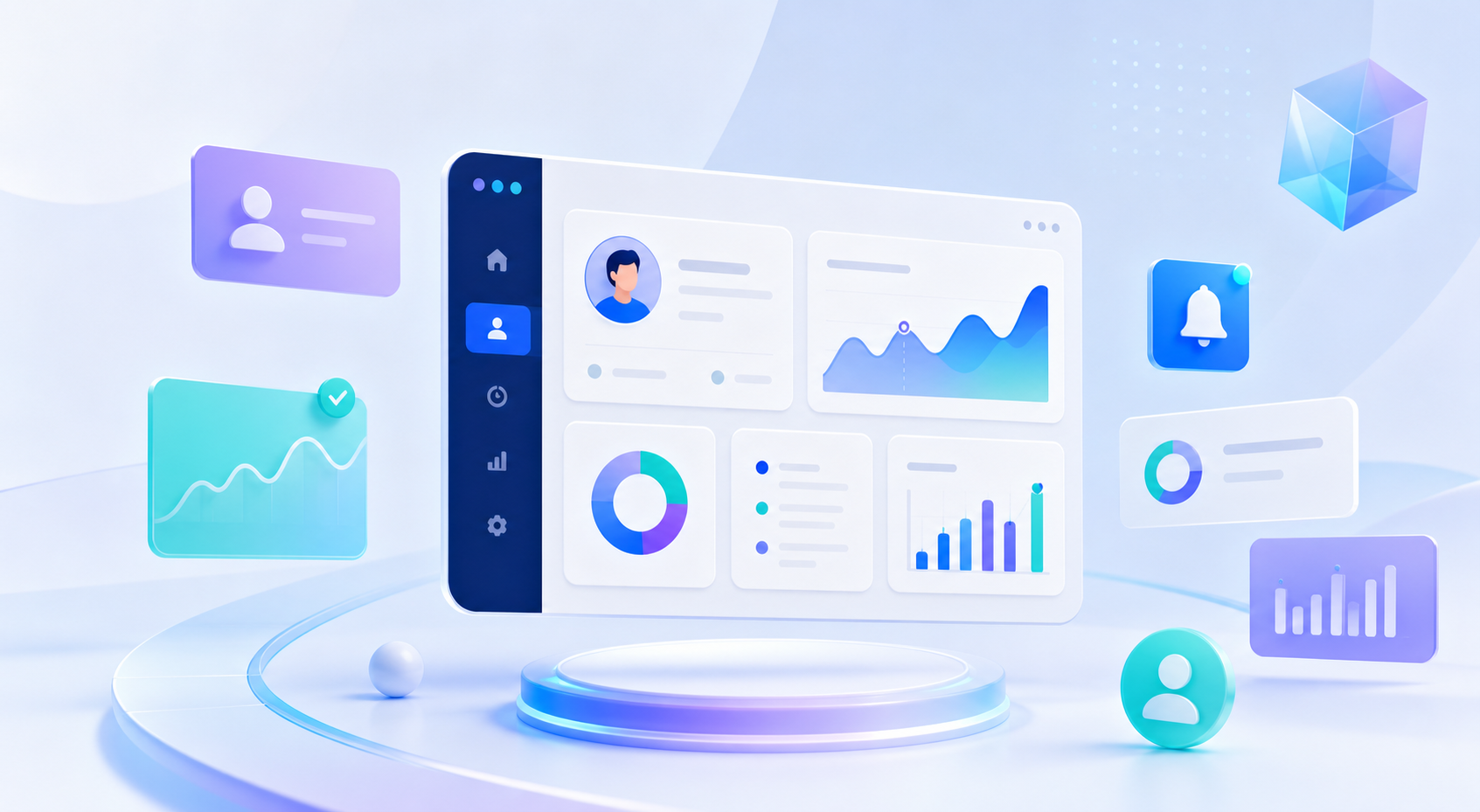
This is why dashboards are so common. But a good dashboard is not just a collection of charts or widgets. It should be a practical control center that highlights the most relevant actions, alerts, and updates.
For example, a publishing team might want to see content awaiting approval, upcoming deadlines, and recent performance metrics. A sales operations user may need task queues, account activity, and pipeline changes. The best systems adapt the first view to the user’s role.
2. Fast, Frictionless Access
Speed matters. Customers expect the platform to load quickly, respond instantly, and support seamless navigation. Even small delays can make a product feel outdated or unreliable.
After login, customers want:
- Fast page load times
- Minimal clicking to get to key tasks
- Clean menus and logical navigation
- Consistent behavior across pages and devices
Frictionless access also means reducing unnecessary steps. If users must repeatedly search, filter, or click through layers of menus to perform common actions, they lose confidence in the product.
3. Personalization That Feels Relevant
Customers now expect post-login experiences to reflect who they are and what they need. Generic interfaces feel impersonal and inefficient.
Personalization can include:
- Role-based dashboards
- Saved preferences
- Recent activity shortcuts
- Relevant alerts and recommendations
- Localized language, currency, or time zone settings
For instance, an editor and a contributor should not see the same exact homepage in a publishing management system. An editor may need approvals and content status, while a contributor may need assignment details and submission tools. Personalization reduces clutter and helps users focus on what matters most.
4. Self-Service Capabilities
One of the strongest expectations customers have today is the ability to solve basic tasks on their own. They do not want to wait for a support team for every small update.
Useful self-service features include:
- Profile and account settings
- Password management and security controls
- Billing and subscription information
- Notification preferences
- Content or workflow updates
- Searchable help documentation
When customers can make changes independently, they feel more in control. Self-service also reduces operational burden on your internal teams.
5. Visibility Into Status and Progress
After login, customers want to know what is complete, what is pending, and what requires their attention. Visibility creates trust.
This is especially important for systems that involve workflows, approvals, deadlines, or collaborative tasks. Users expect to see progress indicators, clear task statuses, and timely updates.
Examples include:
- A publisher seeing manuscript review progress
- A project manager tracking approvals and deadlines
- A customer reviewing the status of a submitted request
- A team lead monitoring open tasks and bottlenecks
When status is transparent, users spend less time asking for updates and more time making decisions.
Features That Matter Most in a Post-Login Experience
Role-Based Dashboards
Role-based dashboards are among the most valuable features in any customer-facing system. They help users see only the tools and information that are relevant to their responsibilities.
A strong dashboard should:
- Prioritize essential actions
- Reduce unnecessary visual noise
- Present data in a meaningful way
- Allow easy navigation to deeper workflows
For example, in an enterprise publishing environment, a designer may need asset statuses and layout tasks, while a manager may need team performance and publication timelines. Role-based views improve efficiency and reduce confusion.
Smart Search and Quick Actions
Customers often log in to complete a specific task. If they can search or jump directly to that task, the experience feels effortless.
Smart search should support:
- Fast retrieval of records, content, or documents
- Filters and sorting options
- Predictive suggestions
- Search across relevant categories
Quick actions are equally important. Buttons such as “Create new,” “Upload file,” “Assign task,” or “Review approval” help users move immediately into action instead of browsing through menus.
Notifications That Are Useful, Not Overwhelming
Notifications should help users stay informed without creating noise. Customers expect timely alerts, but they also want control over what reaches them.
Best practices for notifications include:
- Sending only relevant updates
- Allowing users to manage preferences
- Distinguishing urgent alerts from routine updates
- Using in-app notifications for context and email for summaries when appropriate
Good notifications reduce missed deadlines and improve responsiveness. Poorly designed notifications, however, can make a product feel cluttered and annoying.
Collaboration and Commenting Tools
Many post-login experiences are no longer solitary. Customers increasingly expect to collaborate inside the platform itself.
Collaboration features may include:
- Comments and annotations
- Mentioning teammates
- Shared task assignment
- Version history
- Review and approval workflows
These capabilities are especially useful in publishing, operations, and enterprise environments where multiple people contribute to the same outcome. Keeping collaboration inside the system prevents information from getting lost in email threads or external chat tools.
Account and Permission Management
As organizations grow, so does the need for control and security. Customers expect to manage access without complexity.
Important permission-related features include:
- User role assignment
- Access level controls
- Audit trails
- Multi-factor authentication
- Secure session management
This is particularly important for enterprise customers handling sensitive content, client data, or regulated workflows. Strong account management features build trust and support compliance.
Analytics and Performance Insights
Customers want to know whether their work is making an impact. That means dashboards should often include meaningful analytics.
Depending on the product, this could include:
- User engagement metrics
- Workflow completion rates
- Content performance
- Revenue or conversion data
- Operational trends
Insights should be easy to understand, not buried in complex reports. The most effective systems present data in a way that supports action, such as identifying bottlenecks or highlighting opportunities.
How Expectations Differ by Customer Type
Enterprise Users
Enterprise users expect efficiency, security, and control. They often work across teams and need access to complex workflows without unnecessary friction.
They value:
- Multi-layer permissions
- Workflow automation
- Auditability
- Integrations with other systems
- Reliable performance at scale
For enterprise products, the post-login experience should support productivity from the first screen.
Publishing Teams
Publishing teams need clarity, coordination, and speed. Their post-login experience should help them manage editorial calendars, approvals, assets, and deadlines.
They benefit from:
- Content status tracking
- Review workflows
- Role-specific task lists
- Asset management
- Deadline visibility
In publishing management systems, the post-login experience often determines how smoothly teams can move content from planning to publication.
No-Code Platform Users
No-code users expect simplicity and empowerment. They want to build, configure, and launch without needing technical expertise.
They look for:
- Easy access to templates
- Guided onboarding
- Visual editing tools
- Workflow shortcuts
- Clear progress indicators
If the logged-in experience feels too technical or cluttered, no-code users may lose confidence and abandon the platform.
Common Mistakes That Hurt the Post-Login Experience
Even strong products can fall short after login. Some of the most common mistakes include:
Overloading the Dashboard
Too much information creates decision fatigue. Customers should not have to scan through dense panels to find the one thing they need.
Hiding Important Actions
If users cannot quickly locate key actions, the interface creates frustration. Essential tasks should be easy to spot and complete.
Ignoring Mobile and Responsive Use
Many users log in from different devices. A post-login experience that works only on desktop creates unnecessary barriers.
Using Generic Messaging
Blank states, onboarding messages, and alerts should feel specific and helpful. Generic copy makes the product feel less thoughtful.
Failing to Support Different Roles
One-size-fits-all design is rarely effective. Customers expect the experience to adapt based on their goals and responsibilities.
Designing a Better Post-Login Journey
To meet customer expectations after login, businesses should focus on clarity, relevance, and speed.
Here are a few practical design principles:
- Start with the user’s most important job to be done
- Limit the number of visible priorities on the screen
- Use role-based content and permissions
- Offer quick access to common tasks
- Provide meaningful notifications and status updates
- Make self-service easy and intuitive
- Keep navigation consistent across the platform
A well-designed post-login experience does not need to be flashy. It needs to be useful. Customers remember whether the product helped them move forward quickly and confidently.
The Business Impact of Getting It Right
When the post-login experience aligns with customer expectations, the business benefits are significant.
You can expect:
- Higher activation rates
- Better feature adoption
- Fewer support tickets
- Stronger retention
- Greater customer lifetime value
In competitive markets, this can become a real differentiator. Many products offer similar core features, but the experience after login often determines whether users stay engaged or drift away.
Conclusion
Customers expect much more after they log in than a simple homepage or basic dashboard. They want relevance, speed, clarity, and control. They want to see the right information, access the right tools, and complete tasks without friction. Whether you are building an enterprise platform, a publishing management system, or a no-code product, the post-login experience is where trust is reinforced and value becomes visible.
If your product is not meeting those expectations, now is the time to rethink the journey. Reprospace helps organizations design and build smarter digital experiences with enterprise solutions, publishing management systems, and no-code platforms that put users first. Visit reprospace.com to explore how Reprospace can help you create post-login experiences that keep customers engaged, productive, and loyal.